

DigiGlyph
Play and combine Glyphs to manipulate the segments on digital Counters. Hit your Quotas before your countdowns reach zero!
How to Play:
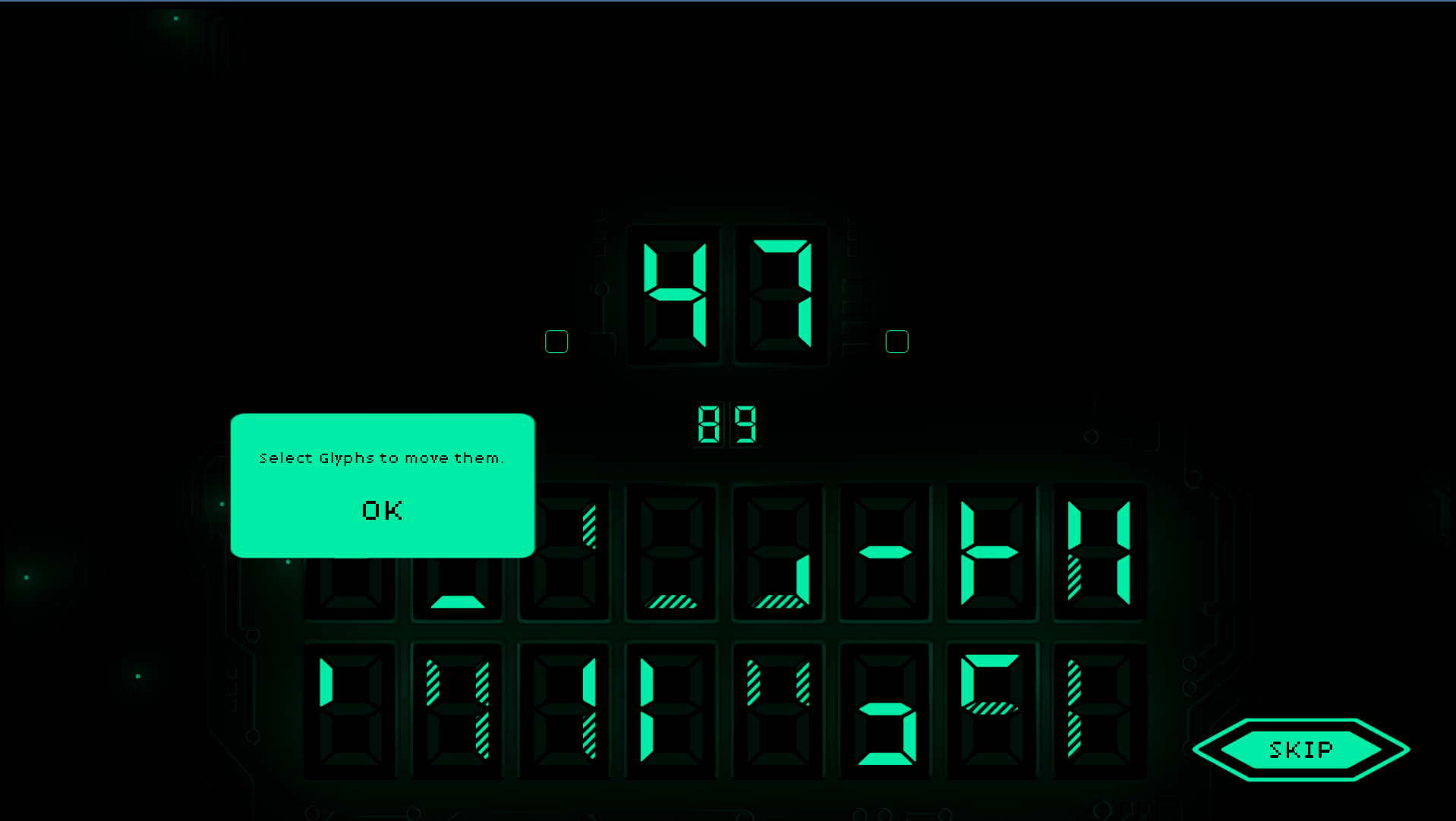
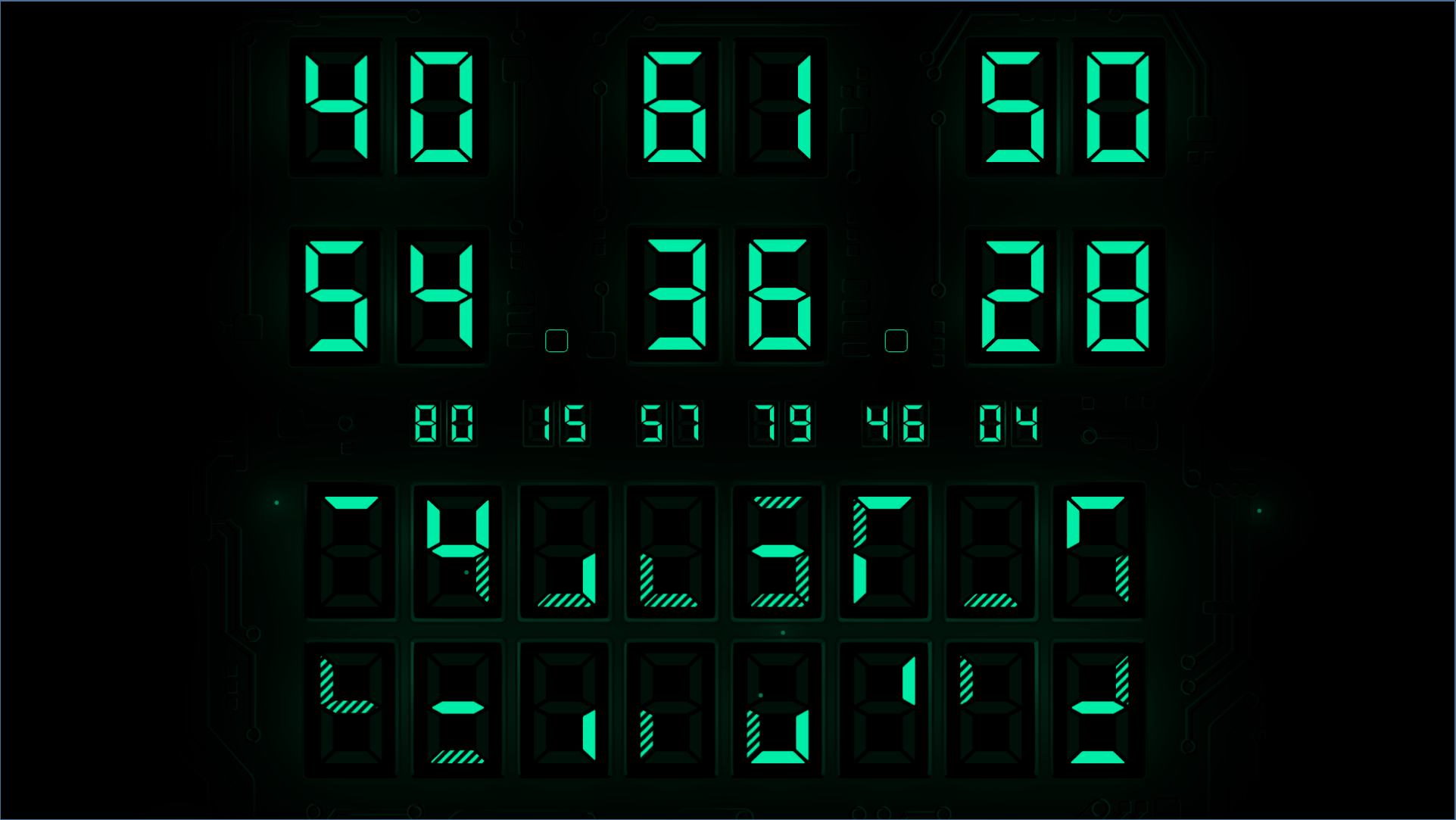
Counters - Large digital number displays at the top.
Quotas - Smaller digital displays in the center.
Glyphs - Two rows of tiles along the bottom.
- You play by selecting and moving Glyphs.
- Glyphs have a pattern of segments which effect displays on which they are played.
- You may play Glyphs onto Counters, empty Glyph spaces, or even other Glyphs.
- Glyphs played on Counters must create valid number.
- When stacking Glyphs the one placed on top overrides conflicting segments on the other.
- Glyphs have two types of segments. Solid segments add a segment in that position to the target, while a Fractured one will remove them.
- A new Glyph is drawn when you make a move, and any Glyph in the last slot is discarded.
- Counters also countdown as you make moves, and if any reach zero the Round is over.
- Stack your Charge level by resolving multiple Counters.
- A higher charge level allows more moves before the Counters decrease, but also raise the amount by which they tick down.
- Counters that pass by a target Quota don't resolve. Set them up to land right on the number, or set it there yourself.
- Win by resolving all the Counters in the level.
Good luck, and have fun!
Leave a comment
Log in with itch.io to leave a comment.